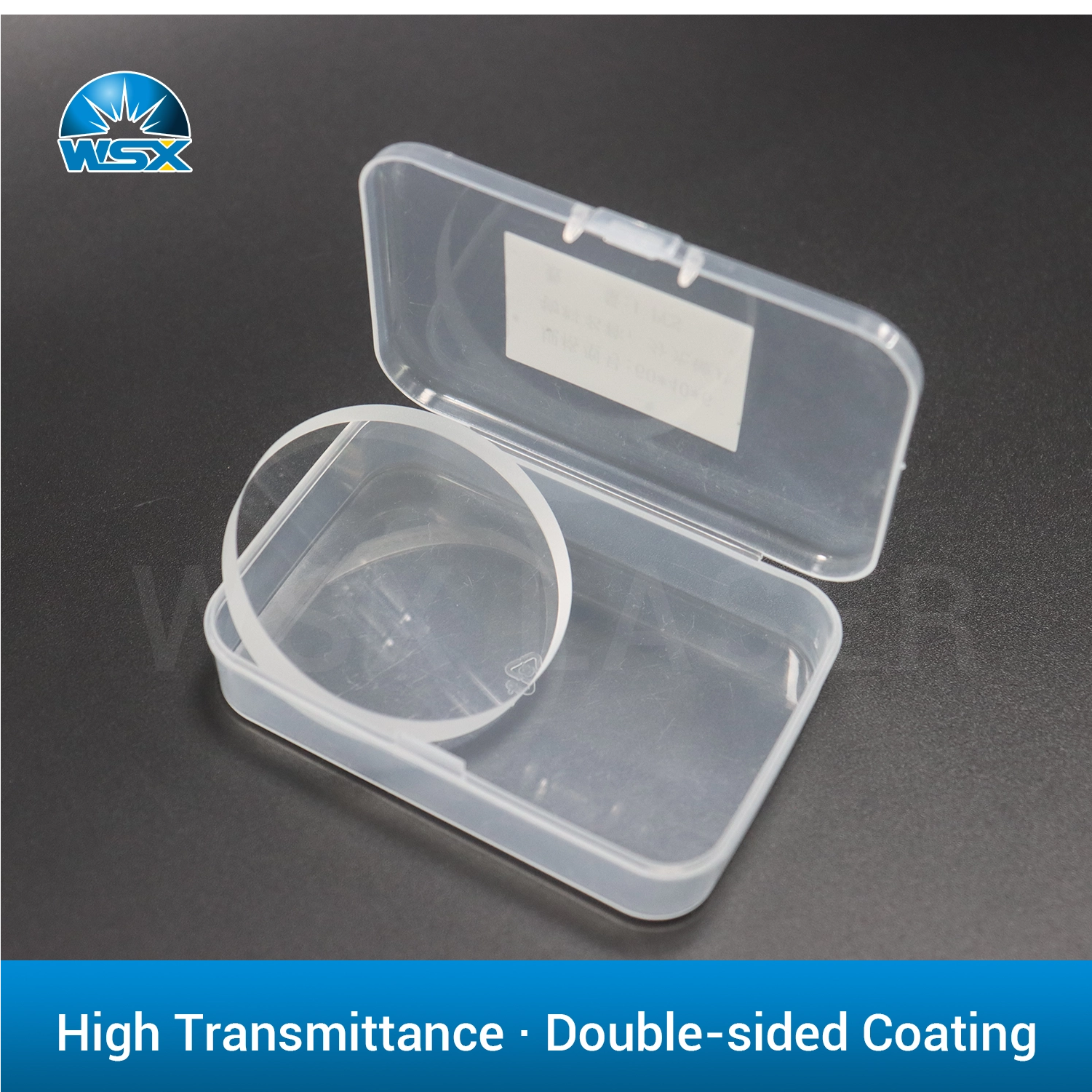
Operating a laser system with a degraded protective lens is a silent drain on productivity and a direct threat to high-value internal optics. Shop managers often blame complex machine mechanics for sudden processing flaws. However, unpredictable cutting speeds, incomplete welds, or unexpected power drops are rarely machine-level faults. They usually originate at the final optical barrier. Dust, spatter, and metallic vapor constantly assault this fragile window. Ignoring its condition forces your machine to work significantly harder just to maintain basic performance levels.
Replacing a consumable Laser Protective Lens at the exact right moment serves as the ultimate insurance policy for your equipment. In this comprehensive guide, you will learn the physical signs of lens degradation. We will explore operational baselines for different industrial applications. You will discover exactly when to clean and when to discard. Protecting your expensive focusing modules starts right here.
Key Takeaways
A laser protective lens should be replaced immediately upon visible pitting, burn spots, or a sudden 10-15% drop in processing efficiency.
Preventative replacement schedules (e.g., weekly or bi-weekly) are often more cost-effective than reactive replacements that risk catastrophic damage to the focusing lens.
Lifespan varies dramatically across applications (cleaning vs. cutting vs. welding) and power levels, making operational monitoring critical.
Partnering with a vetted laser heads components supplier ensures consistent optical coatings and material purity, reducing the frequency of premature failures.
The Business Case: Cheap Consumable vs. High-Value Hardware
To understand the true value of a protective lens, you must view it as a sacrificial barrier. Its primary job is to endure harsh conditions so your expensive focusing and collimation lenses do not have to. Modern fiber and CO2 lasers generate immense heat and molten material. Without a sturdy barrier, flying spatter, debris, and metallic vapor would instantly permanently damage the core optics inside the laser head.
The cost of inaction is severe. When you fail to replace a compromised lens, you invite a destructive phenomenon known as "Thermal Lensing." When a dirty lens operates, the surface contaminants absorb raw laser energy. The debris heats up rapidly. This localized heat causes the glass or silica to expand, which subtly changes the refractive index of the lens. Suddenly, your focal point shifts. Your machine loses precision. If the heat continues to build, the lens will shatter. High-pressure assist gas will then blow shattered debris directly into the sensitive internal cavities of the laser head, causing catastrophic collateral contamination.
Weighing the return on investment for preventative maintenance is straightforward. The minimal cost of a scheduled lens replacement pales in comparison to the agonizing downtime and expense of a complete laser head overhaul. You spend a few dollars proactively to save thousands reactively.
Maintenance Approach
Initial Cost
Operational Risk
Financial Impact
Preventative Replacement
Low (Cost of consumable)
Near Zero
Maximized uptime, stable output
Reactive Replacement
Zero (Until failure)
High (Lens shattering)
Extensive repair, lost production
Top 5 Signs It’s Time to Replace Your Laser Protective Lens
Operators must learn to read the subtle warning signs of optical degradation. Waiting for a catastrophic failure is a critical mistake. Monitor your systems for these five unmistakable indicators.
1. Visible Surface Contamination & Burn Spots
Visual inspection remains your best diagnostic tool. Remove the lens cartridge and hold it against a dark background under bright light. Look for pitting, tiny scorch marks, or permanently fused metallic spatter. A healthy lens should appear entirely transparent and pristine. If you see embedded black dots or a cloudy haze that does not wipe away easily, the structural integrity of the glass is compromised. It requires immediate replacement.
2. Unexplained Power Degradation
If machine operators are forced to continually reduce cutting speed or increase wattage to achieve standard results, the optics are usually to blame. A dirty lens acts like a filter. It blocks a percentage of the laser energy from reaching the workpiece. If you find yourself tweaking software settings daily just to cut the same thickness of mild steel, your lens is likely absorbing the energy.
3. Scattered or Distorted Beam Profile
A compromised lens directly impacts beam geometry. You will begin to notice a loss of focus precision. Cuts will develop wider kerf widths. You may see excessive burr formation on the bottom edges of the material. Incomplete penetrations or rough, jagged edges on previously dialed-in materials are strong indicators of optical scatter caused by surface damage.
4. Persistent Overheating Alarms
Modern laser systems feature integrated thermal sensors. When a contaminated lens reflects or absorbs energy instead of transmitting it, that heat bounces back into the sensor module. This triggers thermal warnings in software interfaces like LightBurn or native CNC control panels. If you experience unexpected overheating faults during normal operation, halt the machine and inspect the optical pathway.
5. Failure to Clear After Standard Cleaning
There is a strict threshold for cleaning. We use isopropyl alcohol, acetone, and optical swabs to remove loose dust and mild vapor residue. However, if a thorough cleaning session fails to restore complete transparency, the damage is permanent. Embedded spatter burns into the anti-reflective coating. At this stage, chemical cleaning cannot save it.
Lifecycle Realities: How Long Do They Actually Last?
Predicting the exact lifespan of a protective window requires context. A lens used in a low-power engraving shop will outlast one deployed in a heavy industrial shipyard. Understanding application-based baselines helps you plan your inventory effectively.
Application-Based Baselines
Laser Cutting (High-pressure assist gas): High-power fiber laser cutting operates under extreme stress. Depending on material thickness and pierce methods, these lenses often require replacement every 1 to 4 weeks. Piercing thick steel generates massive spatter blowback.
Laser Welding & Cleaning: These are inherently messy processes. Laser cleaning rapidly vaporizes rust and paint, creating dense clouds of debris. Handheld laser welding generates aggressive sparks. These high-spatter environments may necessitate daily or bi-weekly lens swaps to maintain safety margins.
Diode/Engraving: These represent lower power applications. With adequate air assist and basic maintenance, diode lenses can easily last several months. Wood smoke is the primary enemy here, but regular wiping keeps the resin at bay.
Variables That Accelerate Wear
Even with excellent baselines, certain operational variables will destroy a lens prematurely. Poor assist gas purity is a major culprit. If oil or moisture travels through your air lines, it coats the inside of the lens, instantly burning under the laser beam. Incorrect focal height during piercing operations is another common mistake. If the nozzle sits too close to the material during a high-power pierce, molten metal shoots directly upward. Finally, inadequate dust extraction allows ambient workshop particles to settle on the lens during tool changes.
Performance Comparison Chart (Estimated Lifespan)
Application Type
Power Level
Typical Lifespan
Primary Threat
Laser Cleaning
1000W - 3000W
1 - 5 Days
Vaporized rust, paint soot
Metal Welding
1500W - 4000W
1 - 2 Weeks
Molten spatter, wire flux
Industrial Cutting
3kW - 12kW+
2 - 4 Weeks
Piercing blowback, gas impurities
Diode Engraving
10W - 40W
3 - 6 Months
Wood resin, acrylic smoke
Replacement vs. Cleaning: The Decision Framework
Deciding whether to clean a dirty lens or throw it away requires a disciplined approach. Inconsistent protocols lead to damaged equipment. You must train your operators to follow a strict decision framework.
When to Clean
Establish a Standard Operating Procedure (SOP) for routine maintenance. Operators should perform daily visual checks before the first shift begins. If you observe loose dust, light wood smoke, or minor vapor residue, you can clean it. Use laboratory-grade isopropyl alcohol and lint-free optical swabs. Gently wipe from the center outward in a continuous motion. Never reuse a dirty swab.
When to Discard
You must enforce a strict "zero-tolerance" policy for structural defects. If you discover a burn mark embedded into the surface, discard the lens immediately. If you notice a hazy patch where the anti-reflective (AR) coating has worn away, cleaning is no longer a viable solution. Running a laser through a compromised AR coating creates dangerous internal reflections.
The Hidden Risk of Over-Cleaning
Many operators believe aggressive scrubbing extends consumable life. This is a common and expensive mistake. Lenses feature delicate microscopic coatings. Scrubbing them with dry cloths or harsh pressure strips away these optical coatings. When the coating degrades, the transmission rate drops. The lens inadvertently absorbs more light, generating excessive heat and eventually failing. Clean gently, or do not clean at all.
Evaluation Criteria: Sourcing from a Reliable Supplier
Procurement teams often treat protective windows as basic commodities. They hunt for the lowest unit price on generic marketplaces. This strategy inevitably leads to inconsistent machine performance. Evaluating and securing a vetted laser heads components supplier is critical for maintaining high-quality output.
Material Integrity
Not all glass is created equal. There is a critical difference between standard K9 glass, quartz, and high-purity fused silica. Standard glass cannot handle the intense thermal shock of modern lasers. For high-kW fiber lasers, you must insist on high-purity imported fused silica. It boasts an incredibly low thermal expansion coefficient, preventing focus shift under heavy loads.
Optical Coating Specifications
Bare glass reflects too much energy. High-quality AR (Anti-Reflective) coatings are mandatory. These specialized dual-sided coatings ensure the lens maintains greater than 99.5% light transmittance. Superior coatings prevent back-reflection, which protects the internal fiber optic cables from burning out.
Dimensional Tolerances
Laser heads utilize high-pressure assist gases (oxygen, nitrogen, or compressed air) to blow away molten metal. The protective lens sits inside a cartridge secured by O-rings. If the manufacturer ignores strict dimensional tolerances, the lens will not fit perfectly. Even a millimeter of variance prevents an airtight seal. This causes gas leaks, reduced cutting pressure, and severe processing errors.
Supply Chain Consistency
Operational bottlenecks happen when suppliers fail to deliver consistent quality. Procurement managers must evaluate suppliers based on batch-to-batch consistency and rigorous quality assurance reporting. Bulk availability matters. When your production spikes, you need a partner who can deliver reliable consumables without delay.
Conclusion
Your laser protective lens acts as the absolute frontline defense for your machine's optical integrity. It absorbs the harsh realities of the workshop environment so your expensive focusing modules remain safe. Ignoring the visible signs of wear always leads to costly downtime and degraded product quality. Proactive management of these consumables is not just maintenance; it is smart business.
Your next steps are clear. Audit your current scrap pile of lenses to identify recurring failure patterns. Formalize your inspection SOP so every operator knows exactly when to clean and when to discard. Evaluate your current replacement inventory to ensure you hold the correct grade of fused silica for your power levels.
Do not let substandard glass bottleneck your production. Encourage your operators and procurement managers to request spec sheets or sample batches from a qualified supplier today. Benchmark their performance against your current consumables and secure your machine's future.
FAQ
Q: Can I run my laser without a protective lens?
A: Absolutely not. Running a laser without it creates an immediate, catastrophic risk to internal optics. Without this barrier, molten spatter, toxic smoke, and metallic dust will travel directly into the laser head, instantly destroying the expensive focusing and collimation lenses.
Q: Why does my protective lens burn out after only a few hours?
A: Rapid burnout usually stems from implementation errors. Common causes include contaminated assist gas (oil or water in the lines), incorrect cutting parameters causing massive spatter, piercing too close to the material, or utilizing sub-par lens materials that cannot handle your laser's wattage.
Q: Does a dirty lens affect laser cutting software parameters?
A: Yes. A dirty lens absorbs laser power, reducing the energy hitting the material. Operators often mistakenly tweak software settings—slowing down the cut or increasing power—to compensate for what is actually a physical hardware issue. Always check the lens before changing software parameters.
Q: How do I safely remove and install a new laser protective lens?
A: Perform changes in a cleanroom environment or dust-free area. Always wear powder-free finger cots or nitrile gloves. Handle the lens exclusively by its edges to prevent fingerprints. Inspect and clean the cartridge housing, and always verify that the O-ring seals are seated properly before reinstalling.